Classroom Design Help
Click this window to bring it to the front
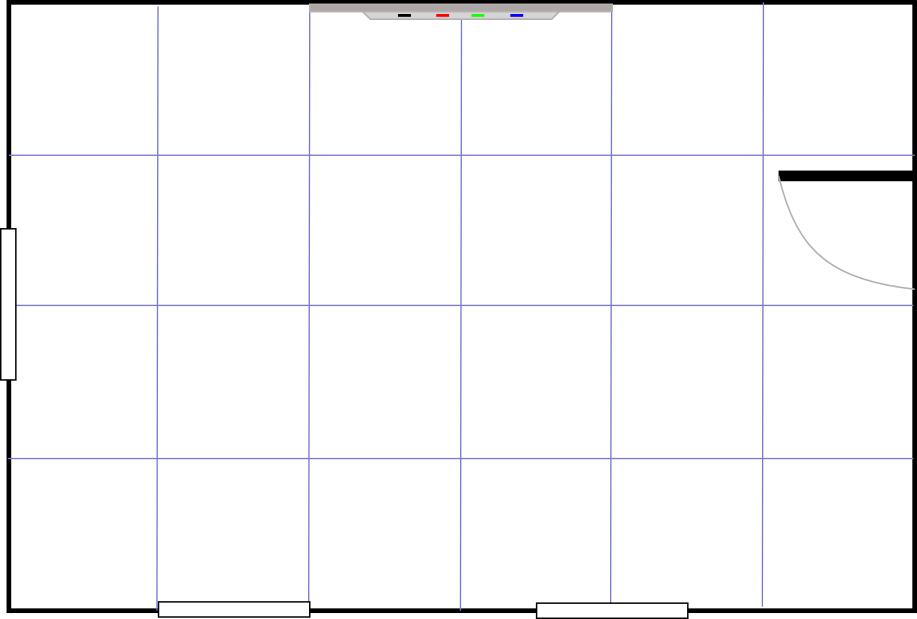
Drag the furniture into position to create your design.
If you need to rotate items, you can drag them to the large blue arrow and click to rotate them.
Here are some ideas for your classroom plan:
Design a classroom suitable for 20 students.
Make your classroom suitable for group work or a test.
Design a computer room.
Make sure all students can easily see the whiteboard and that the teacher can visit each place easily. You might find it useful to place desks up against the walls, or group them in blocks.
Troubleshooting
This activity requires Internet Explorer. For Internet Explorer 11, please view the site in Compatibility Mode.
If a button doesn't seem to work, there might be a piece of furniture covering it. In this activity, each item sits in a square, so, for example, the bookcase which appears long and thin actually takes up an invisible square space. If the invisible part of the square covers a button, the button will appear not to work. Simply move the furniture away and replace it when you have finished using the button.
click
here to close this window.
This activity requires Internet Explorer. For IE11, please use Compatibility Mode